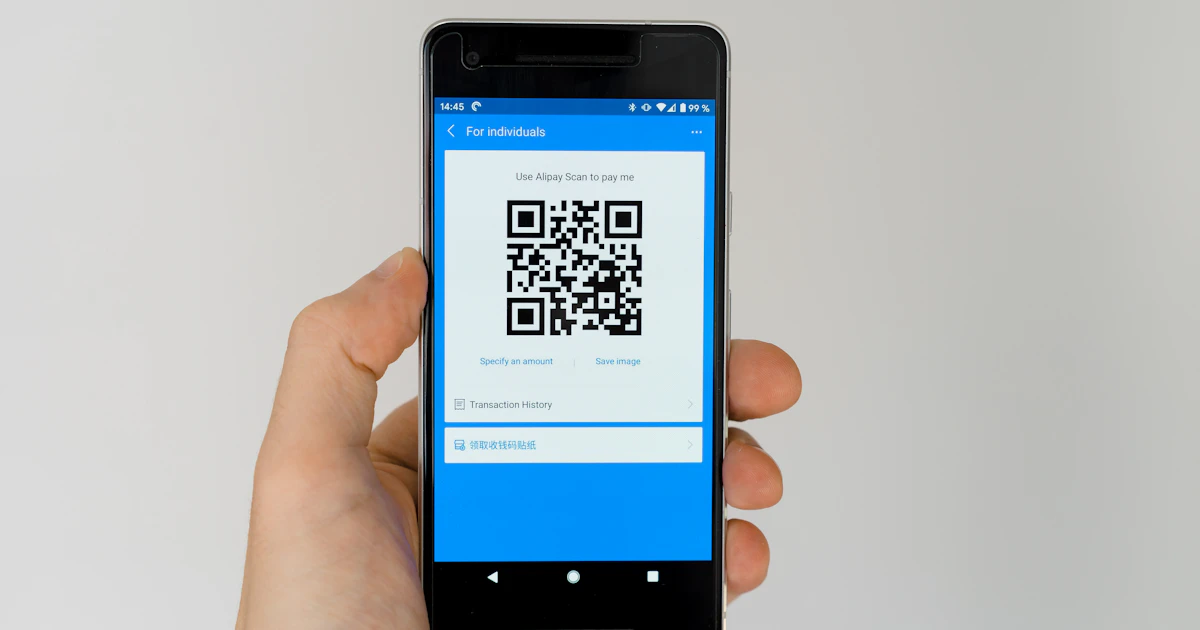
QR codes have become an integral part of our daily lives—from restaurant menus to payment systems. In this article, we'll discuss how to create and read QR codes using free online tools.
What is a QR Code?
A QR (Quick Response) code is a two-dimensional barcode that can store up to 4,296 alphanumeric characters. Unlike a traditional barcode, a QR code is read both horizontally and vertically.
How to Create a QR Code
Use the Xuvero QR Code Generator:
- Enter a URL, text, contact information, or WiFi parameters
- Select the size and error correction level
- Click "Generate" and download the PNG image
Types of Content for QR Codes
- URL—links to websites, landing pages, or social media
- WiFi—guests can scan the code and connect automatically
- vCard—an electronic business card with contact details
- Email—automatic filling of address and subject
- Phone—instant call with a single tap
- Text—any text message
How to Read a QR Code
If you have an image with a QR code, use the QR Reader Xuvero. The tool works entirely in your browser—your image is not uploaded to the server.
Where to Use QR Codes in Business
- Restaurants—contactless menus, online ordering
- Retail—links to reviews, loyalty programs
- Marketing—track conversions from print ads
- Logistics—tracking parcels and inventory
- Education—links to supplementary materials in textbooks
Tips for Effective QR Codes
- Always test your QR code before printing
- Use error correction level L or M for small codes
- Add a call-to-action next to the code ("Scan for a discount")
- Minimum print size—2x2 cm
- Ensure contrast—dark code on a light background