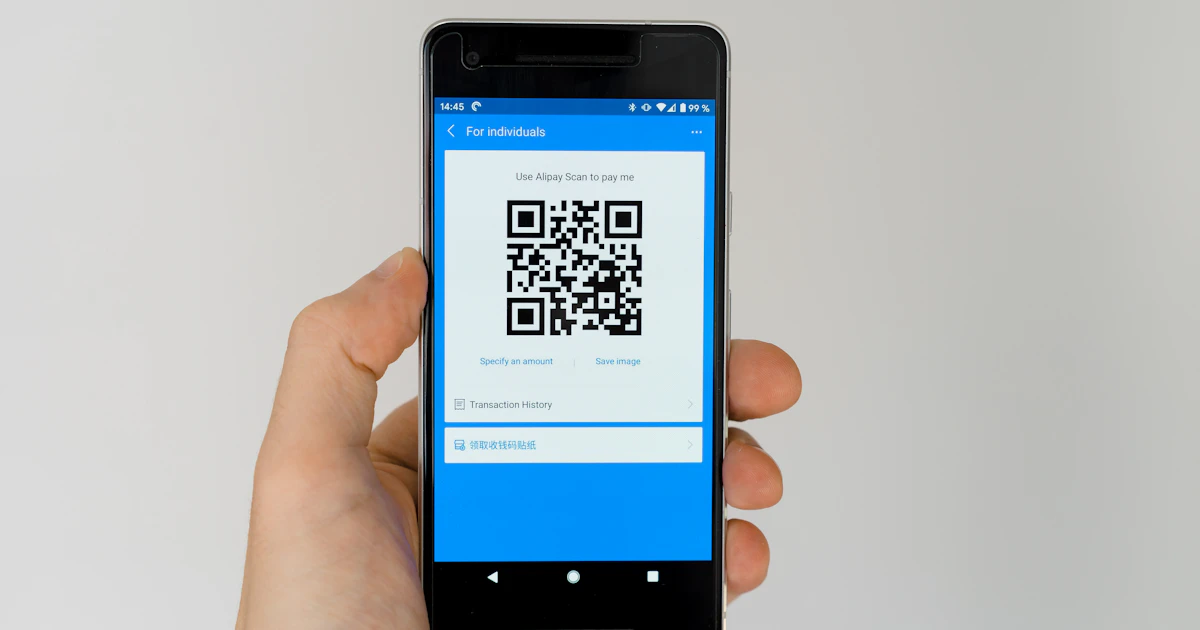

What Is a QR Code and Why Do You Need One?
A QR code (Quick Response Code) is a two-dimensional barcode that stores information as a black-and-white pattern. Smartphone cameras instantly read QR codes to open links, contact info, or other data.
Common QR code uses:
- Business cards and marketing materials
- Restaurant and cafe menus
- Wi-Fi connection without typing passwords
- Payment for goods and services
- Event tickets and boarding passes

How to Create a QR Code on Xuvero
Our QR Code Generator works entirely in your browser — your data never leaves your device.
Step 1: Choose Content Type
5 types available:
- Text — any free-form text
- URL — website link
- Wi-Fi — network name, password, and encryption type
- Email — address, subject, and message body
- Phone — number for quick dialing
Step 2: Customize Appearance
- Size — from 200×200 to 512×512 pixels
- QR Color — any color instead of standard black
- Background — white or any other color
- Format — PNG (raster) or SVG (vector for printing)
Step 3: Download or Copy
Click "Generate QR Code" and get your result instantly. Download the file or copy the image to clipboard.
Tips for Quality QR Codes
- Contrast — dark QR on light background scans best.
- Print size — use SVG format for large prints (banners, posters).
- Test first — always scan your QR code before printing.
- Don't overload — the more data encoded, the harder it is to scan from a distance.
Security & Privacy
Generation happens entirely in the browser using a JavaScript library. Your data:
- Never sent to a server
- Never stored in a database
- Never tracked
Also check out our QR Reader for scanning existing QR codes from images.
Summary
Xuvero QR Code Generator — a fast, free, and secure way to create QR codes for any purpose. Try it now!

